How to Create Account on 92 Jeeto Game in Pakistan
So you’ve heard about 92 Jeeto and want to get started. Good call. But before you play any game or claim that Rs. 120 sign-up bonus, you’ll need an account first. And honestly? The whole process takes less than 2 minutes. I timed it myself.
Let me walk you through every single step. No confusion. No guesswork. Just do exactly what I’m telling you below, and you’ll be inside the app ready to play within minutes.
What You Need Before Starting
Don’t overthink this. You don’t need a CNIC scan, email verification, or any fancy documents. Here’s all you need:
- A working Pakistani phone number (Jazz, Telenor, Ufone, or Zong)
- An Android phone with the 92 Jeeto APK installed
- A stable internet connection (4G or Wi-Fi works fine)
That’s it. Three things. If you haven’t downloaded the APK yet, grab it from the official 92 Jeeto website first.
Step-by-Step: Creating Your 92 Jeeto Account
Step 1: Open the App and Tap “Register”
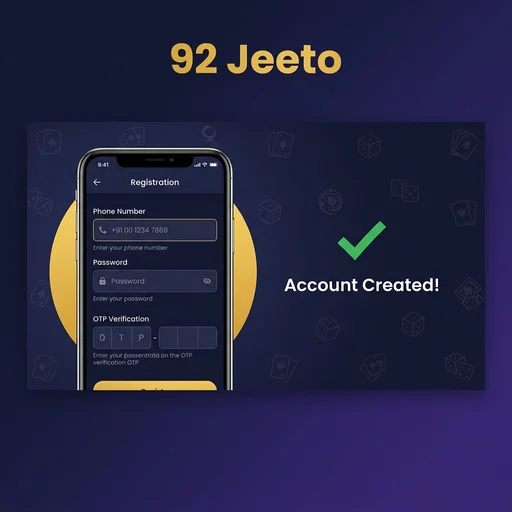
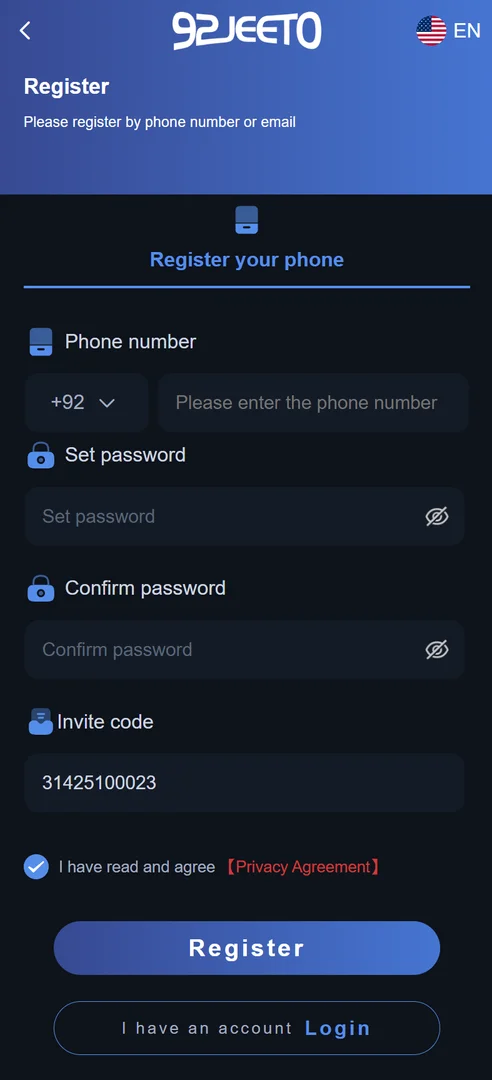
Once you’ve installed the APK, open the 92 Jeeto game app. You’ll see two options on the welcome screen: Login and Register. Since you’re new here, tap “Register” at the bottom.
Step 2: Enter Your Phone Number
Type your Pakistani mobile number in the phone field. Make sure you’re entering the correct number because this is where your OTP (one-time password) will go. Double-check it. I’ve seen people mess this up and wonder why they didn’t get the code. Use the format 03XXXXXXXXX.
Step 3: Set a Strong Password
Pick a password you’ll actually remember. But don’t use something stupid like “123456” or “password.” Mix letters and numbers. Something like “Jeeto2026pk” works fine. The app requires at least 6 characters.
Quick tip? Save the password in your phone’s notes app immediately. You’ll thank me later when you try to log in after a week and can’t remember it.
Step 4: Get and Enter the OTP Code
Tap the “Send OTP” button. A 4 or 6 digit code will arrive via SMS within seconds. When our team tested this, the OTP came in 4 seconds on a Jazz number and about 8 seconds on Telenor. Ufone users might wait slightly longer, maybe 15-20 seconds.
Enter the code in the verification field. If the OTP doesn’t arrive within 60 seconds, tap “Resend.” Still nothing? Restart your phone and try again. It sounds silly but it fixes the issue 9 times out of 10.
Step 5: Add a Referral Code (Optional but Smart)
There’s a field for a referral or invitation code. This is optional. But if someone shared the app with you, enter their code here. It won’t cost you anything, and sometimes referral codes unlock bonus chips or extra rewards on your first deposit.
Step 6: Tap “Register” and You’re In
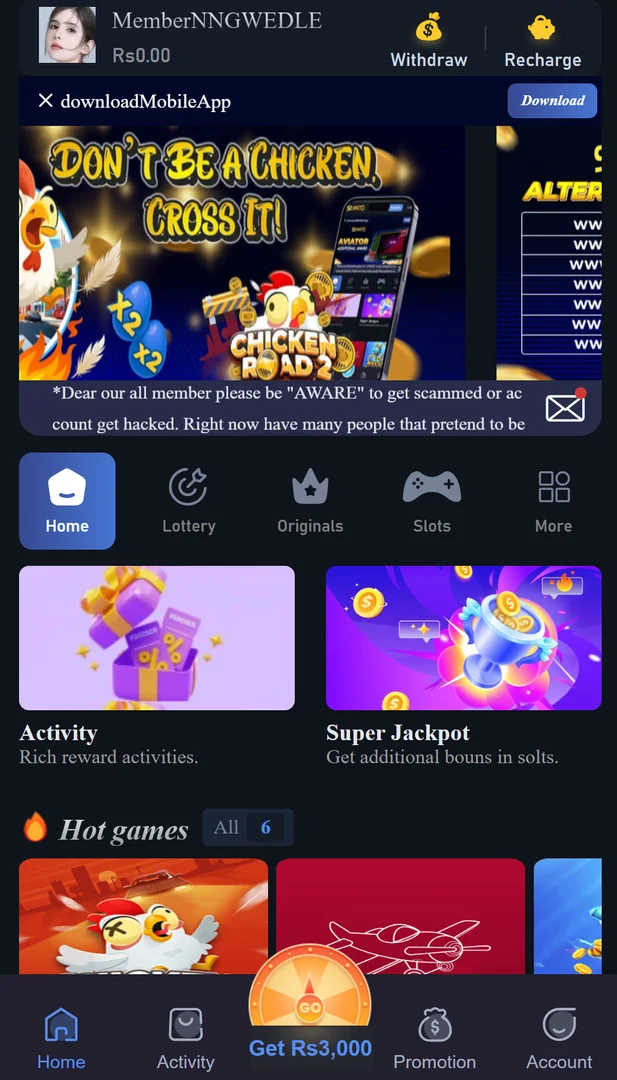
Hit that Register button. Done. Your 92 Jeeto account is now active. The app will automatically log you in and drop you straight to the home screen. You’ll also see the Rs. 120 sign-up bonus credited to your wallet right away. No waiting period.
What to Do Right After Creating Your Account
Don’t just jump into the biggest table right away. Here’s what I’d recommend doing first:
- Explore the game lobby. Check out the different games. Teen Patti, Rummy, Dragon vs Tiger, Crash. Get familiar with what’s available.
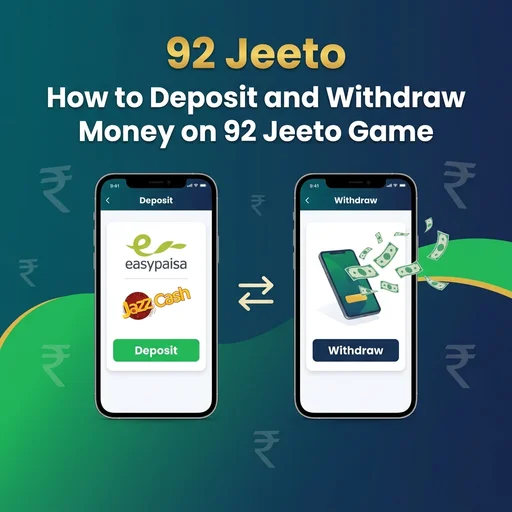
- Bind your withdrawal method. Go to your profile and add your Easypaisa or JazzCash number now. Don’t wait until you win money to set this up. Get it ready beforehand.
- Use the bonus chips on low-stakes tables. Play the Rs. 10 Teen Patti table to learn the app’s interface without risking your own money. The bonus chips are perfect for practice.
- Grab your referral link. Share it with friends early. Every person who joins through your link earns you lifetime commissions on their gameplay.
Common Registration Problems and Quick Fixes
| Problem | Fix |
|---|---|
| OTP not received | Restart phone, check signal, try “Resend” after 60 seconds |
| “Number already registered” error | You already have an account. Use “Login” instead and reset password if needed |
| App crashes during registration | Clear app cache from Settings > Apps > 92 Jeeto > Clear Cache |
| Password won’t accept | Use at least 6 characters with both letters and numbers |
| Referral code invalid | Double-check the code spelling. If still invalid, skip it and register without it |
Logging In After Registration
Next time you open the app, just tap “Login” instead of Register. Enter your phone number and password. That’s all. There’s no two-factor authentication or biometric login yet. So keep your password safe and don’t share it with anyone.
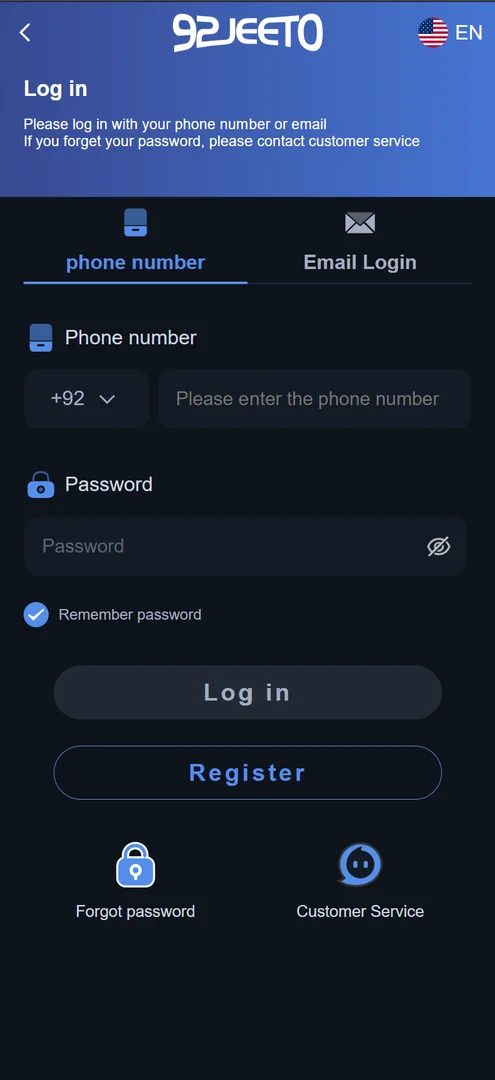
If you forget your password, there’s a “Forgot Password” option on the login screen. It’ll send another OTP to your registered number, and you can reset it in about 30 seconds. We tested this too. Works perfectly.
And that’s literally everything you need to know about creating your 92 Jeeto game account. The whole thing takes under 2 minutes. No complicated forms. No ID verification. Just your phone number, a password, and you’re ready to start playing and earning. Good luck out there.